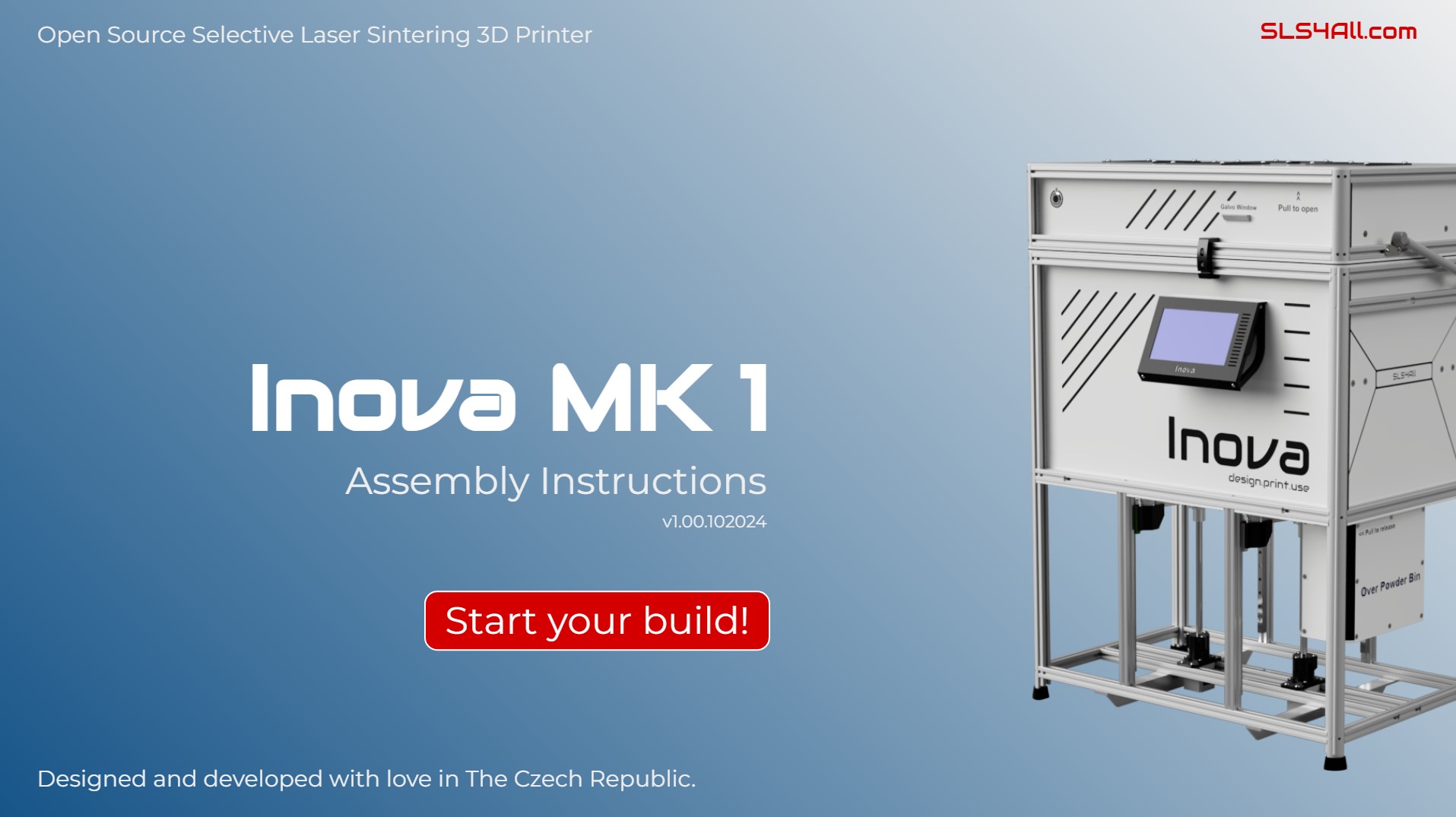
It is a well-known truth that open-source DIY projects are only as good and popular as their documentation. So I was wondering of a form of assembly instructions that would contribute to this.
Finally, I came up with the vision of the interactive 3D assembly instructions. It means that you can freely move, rotate and zoom the assembly to properly understand a particular step of the build.
It was quite a tough work to put it together. But from the user perspective I believe it is one of the most illustrative and fun to use approaches.
IMPORTANT:
It’s optimized for Full HD (1920×1080) resolution, desktop only. If you’re on a desktop with a different resolution, you can use a simple work around. Just press F12 to turn on DevTools in your browser and change the resolution in the responsivity options.
If this did not help, your OS scaling is not set to 100%. Here is how to change it in Win 10 & 11.
Right-click on the desktop → select “Display settings”
In the “Scale and layout” section, find the option “Change the size of text, apps, and other items”
Open the drop-down menu and choose 100%
If the change doesn’t take effect right away, sign out and sign back in, or restart your computer
It’s optimized for Full HD (1920×1080) resolution, desktop only. If you’re on a desktop with a different resolution, you can use a simple work around. Just press F12 to turn on DevTools in your browser and change the resolution in the responsivity options.
Video instructions
I’ll also prepare a simple alternative to access the assembly instructions on mobile phones. I don’t think it’s the best way, but sometimes it can be useful. Below is how it will look like.
Enjoy!
Sign up for our Newsletter
0
0
Your Cart
Your cart is empty
We use cookies to ensure that we give you the best experience on our website. If you continue to use this site we will assume that you are happy with it and you also give us your consent to the processing of personal data and data linking.