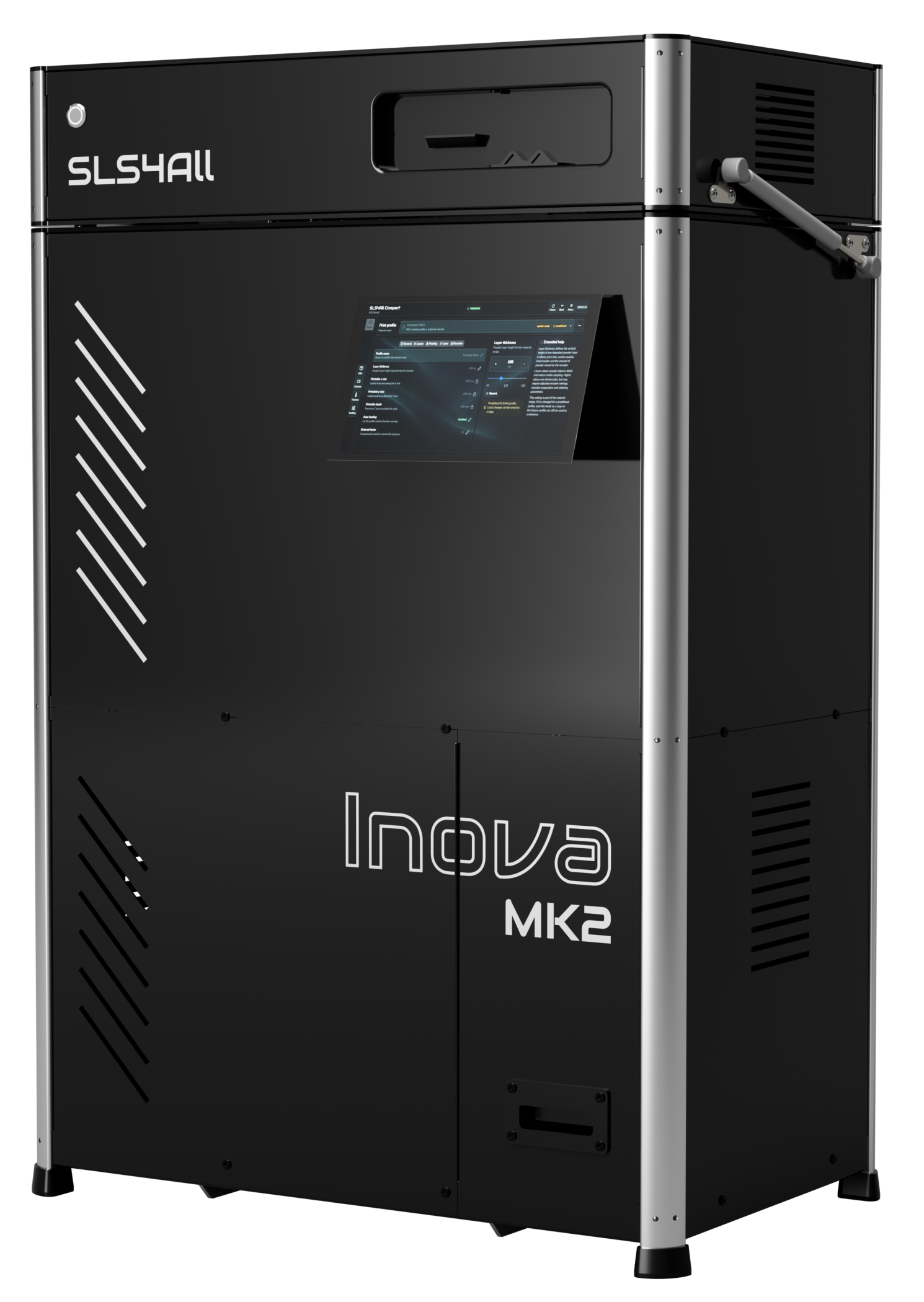






INOVA MK2 SLS 3D PRINTER
Professional SLS Capability Without the Traditional Investment
Inova MK2 brings true industrial SLS performance to engineering teams, product developers, and manufacturers who need strong, functional parts fast – without the complexity and cost of traditional systems.
An open, highly configurable platform built on proven PA12 and flexible TPU materials, engineered for repeatable performance, consistent quality, and total control.
6.4 litres
Effective build volume
100um
Typical layer
PA12/PA11/TPU
Materials
SLS4All Compact
Firmware / Software
ACCESSIBLE WAY TO RUN SLS
Where Inova Fits Best.
Inova is optimised for engineering teams that need strong (PA12, PA11) and/or flexible (TPU) parts with control over the process and total cost. It’s not for every application – use the guide to see if it’s a right fit for you.
Rigid, Functional Prototyping
Strong, accurate parts for form, fit & functional testing.
Engineering Validation Parts
Validate parts and assemblies in real conditions.
Low-Volume Production
Short-run end-use parts and bridge production.
Process Optimization
Tune SLS workflows and material use before scaling.
A strong fit when…
You need strong PA12 or TPU parts
You value owning the process
You value in-house control
You want long-term cost control
Your parts fit the build envelope
You have or can create tech appetite
Consider another approach when…
You only need very large parts
You require exotic materials
You only need color or aesthetics
You prefer service / outsourcing
The strongest fit is not a one-off print requirement. It is a workflow where prototypes, engineering aids or small production batches come back repeatedly and every external order adds delay, coordination and margin.
FROM MK1 TO MK2.
Built on experience.
Engineered to go further.
Customer feedback and experience with Inova MK1 helped shape its successor. MK2 offers more usable build space, refined hardware and redesigned software that makes everyday printing easier to manage.
MORE CAPACITY IN EVERY BUILD
The effective build volume grows by 54% for PA12 and related materials. More usable space lets you arrange additional parts and make better use of each print cycle.
REFINED HARDWARE PLATFORM
Faster control board supports higher printing performance, while improved chamber heating helps manage temperatures across the build. Both changes refine assembly experience and the process behind every print.

PROTECTED OPTICS, CLEANER OPERATION
Active protection helps keep optical components free from contamination during printing. Activated-carbon filtration contributes to a cleaner operating environment during everyday use.
NEW SOFTWARE EXPERIENCE
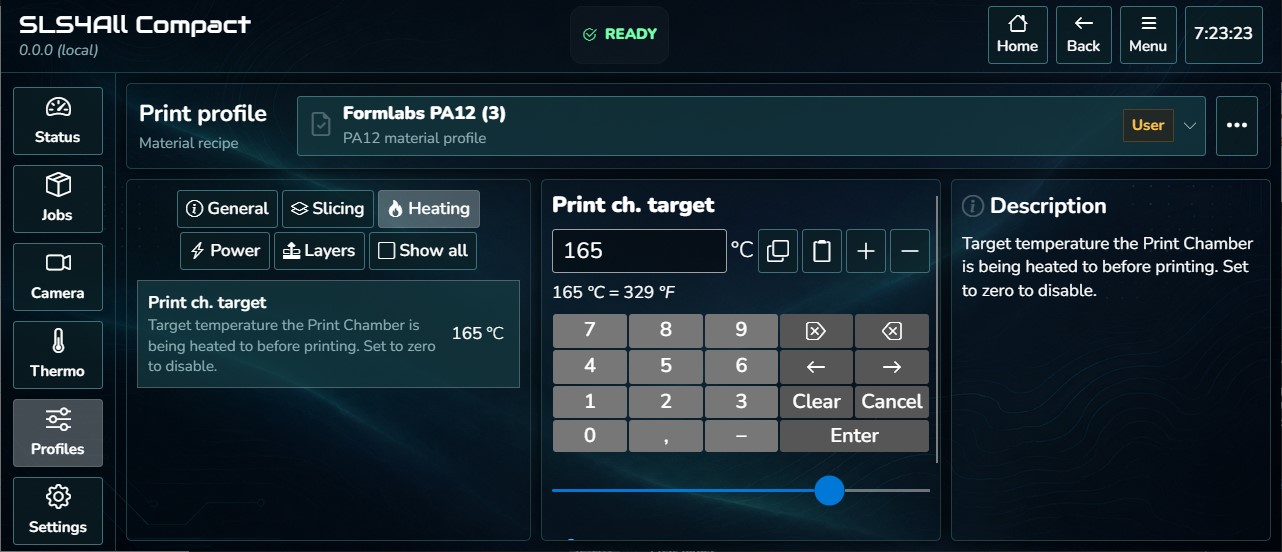
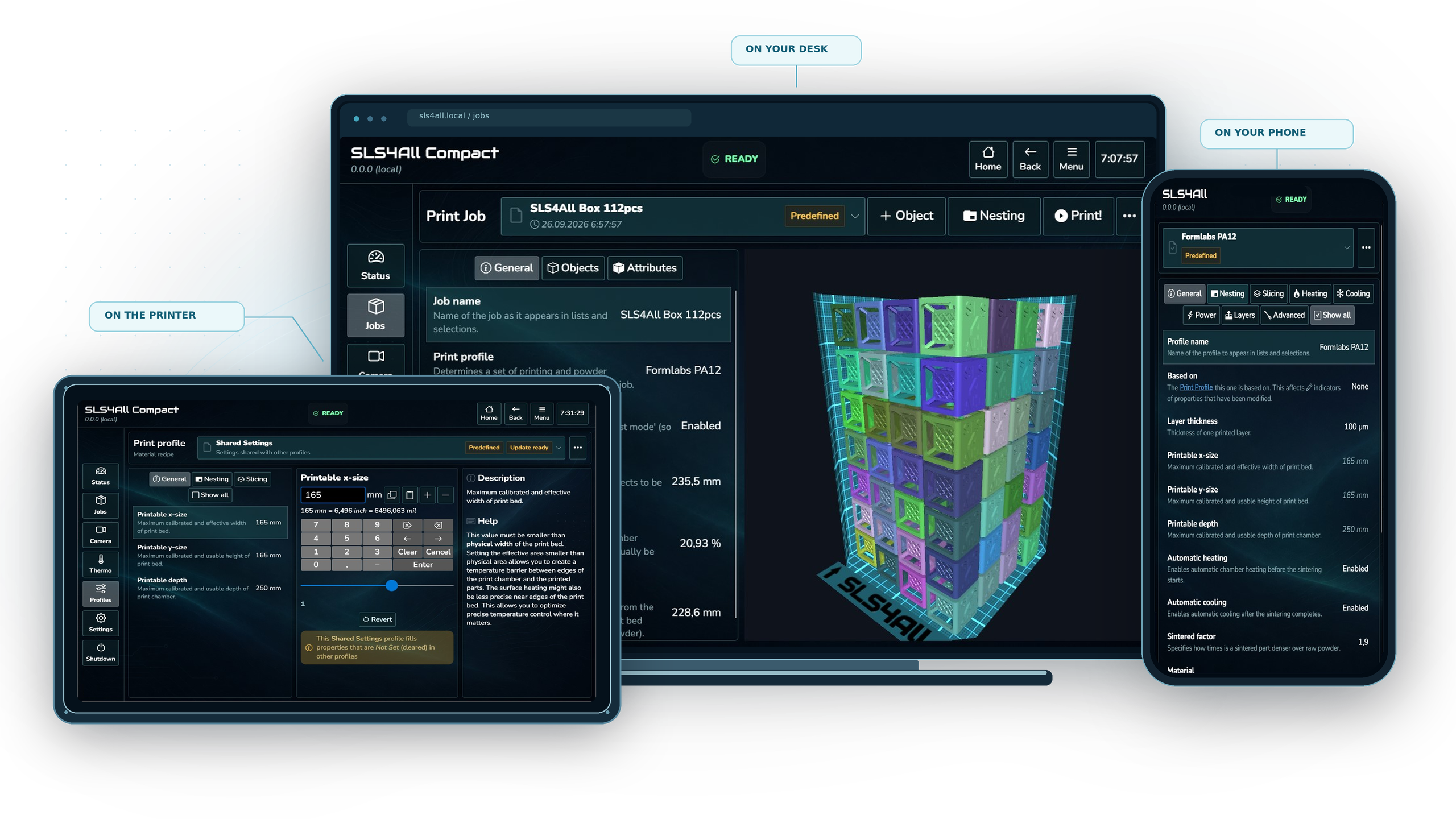
New SLS4All Compact 2.0 makes key controls easier to find and workflows clearer to follow. From preparation to production, the software supports a more straightforward way of working.
Proven in the field
MK1 put Inova into the hands of customers and proved the platform in everyday use. Their print jobs, feedback, and service experience showed us where to focus and became the foundation for the next generation.

Refined around real work
MK2 moves the platform forward with more usable capacity, upgraded process hardware, better protected components, and redesigned software. The result is a smoother experience from assembly through every print.
PRINTED ON INOVA MK2
Judge the System by the Parts It Produces.
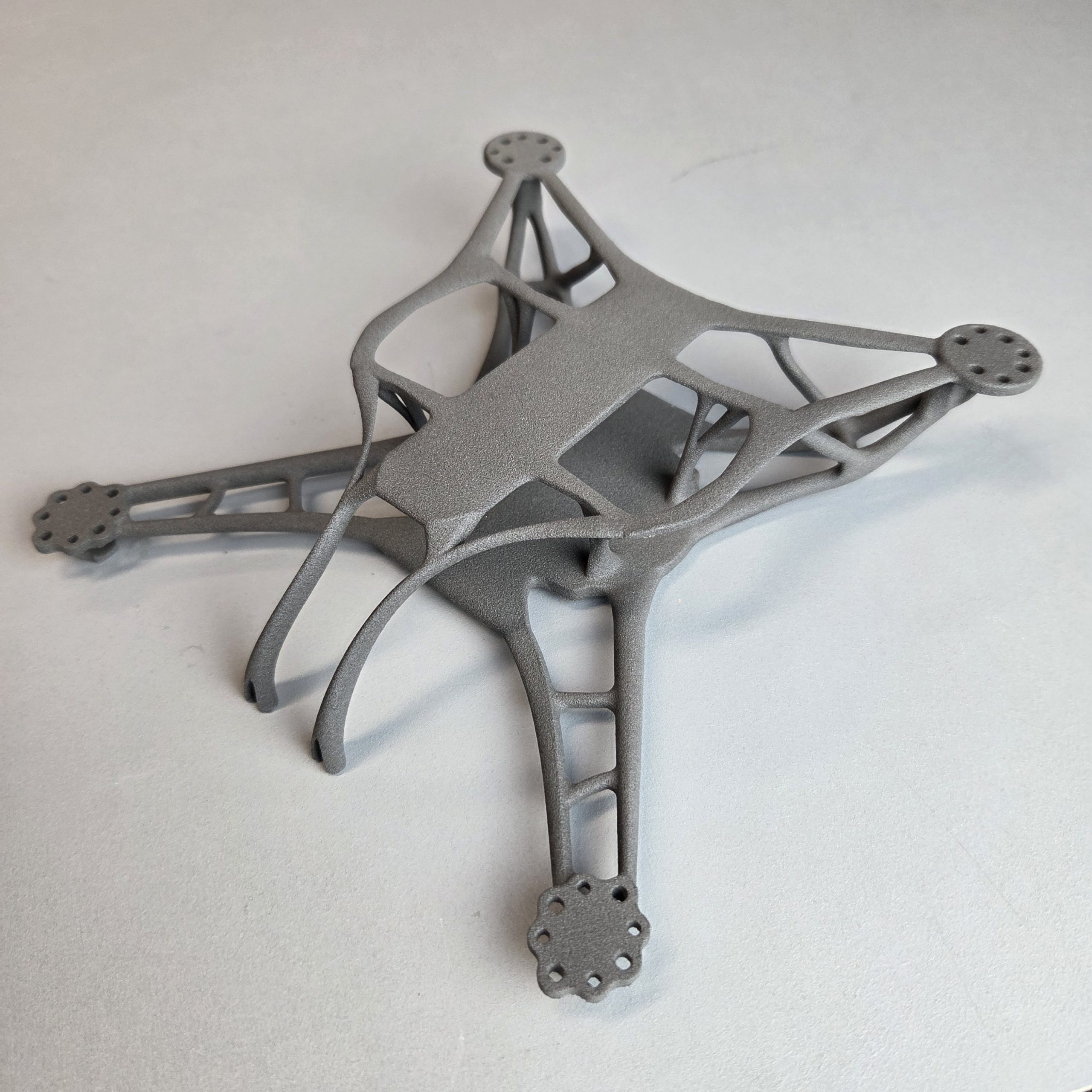
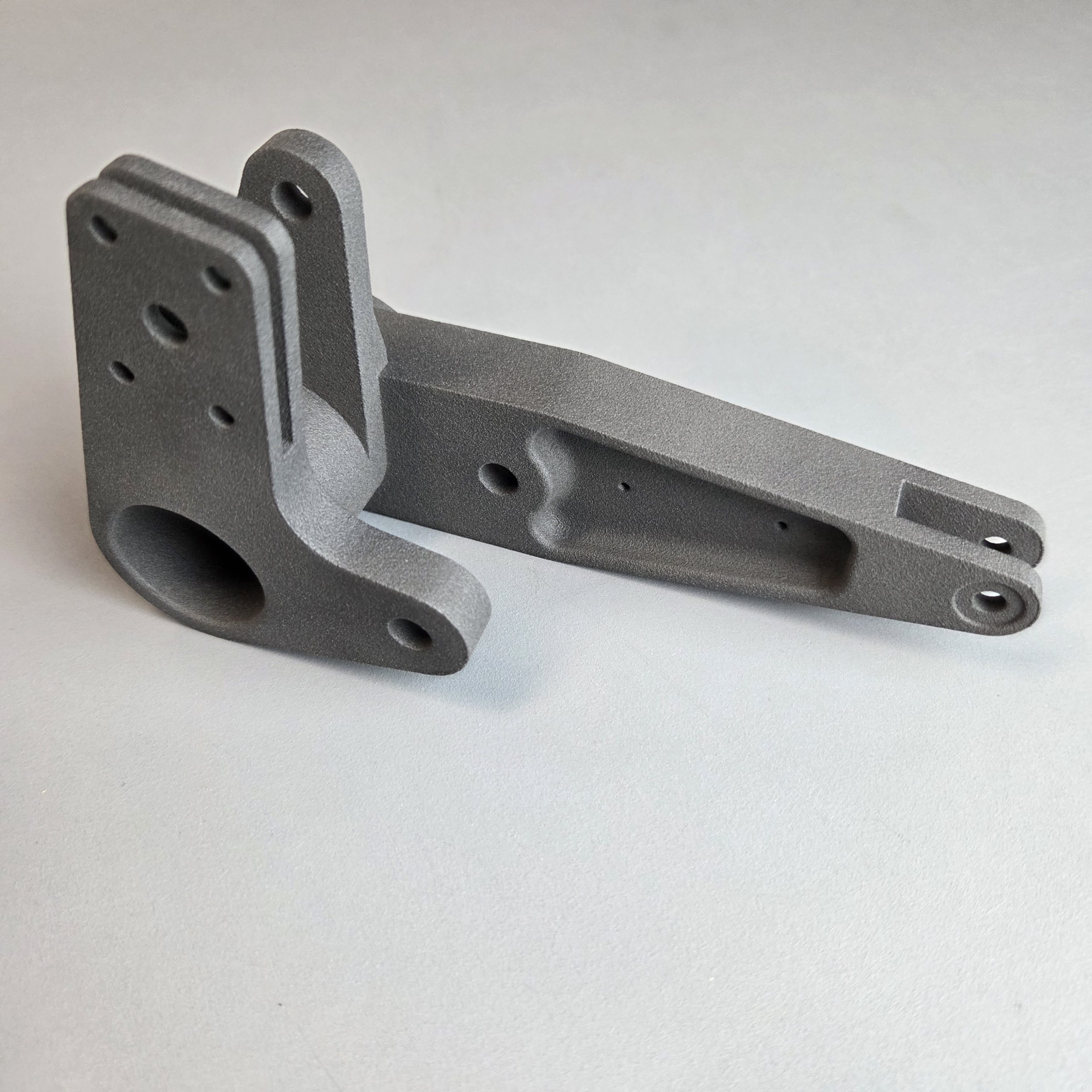
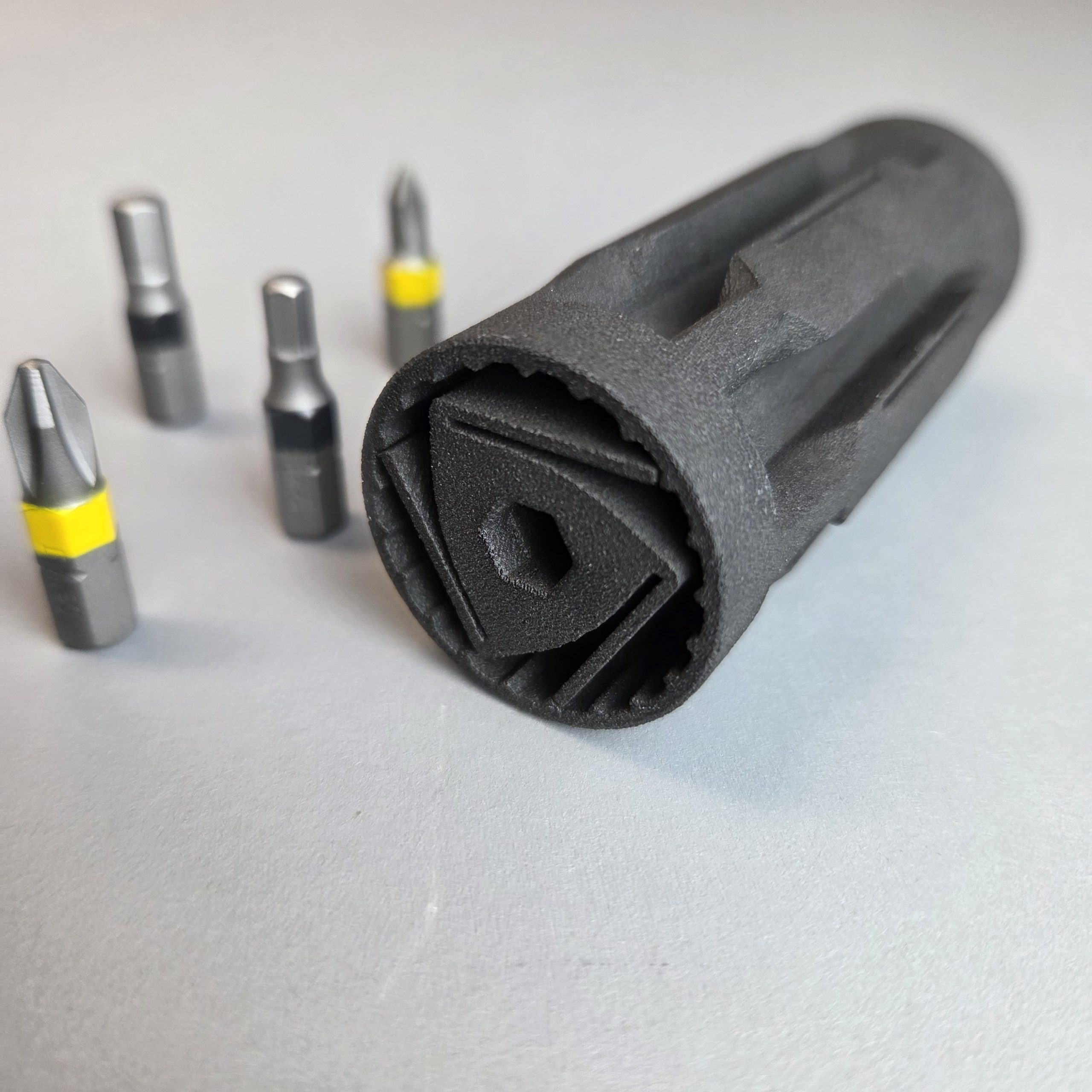
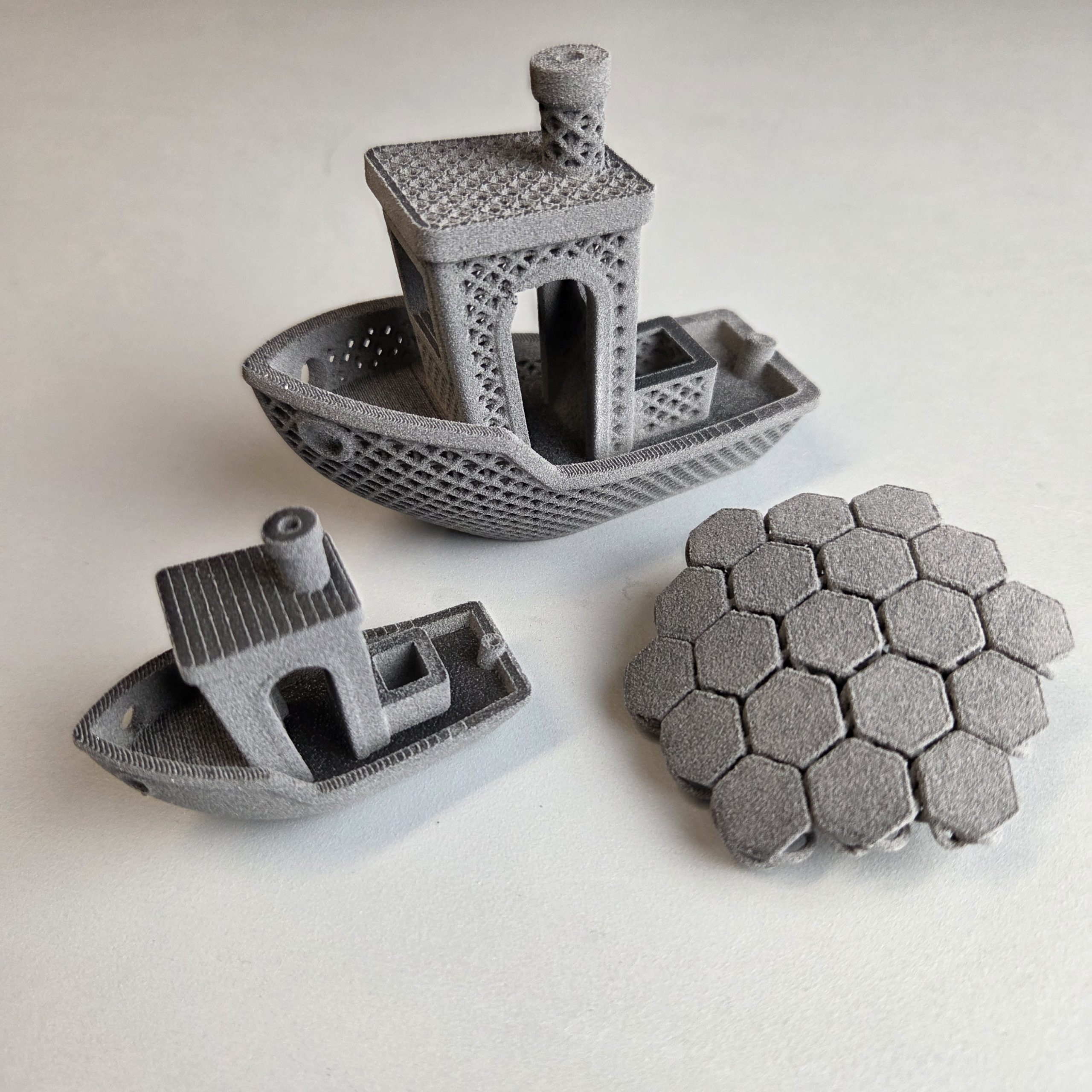
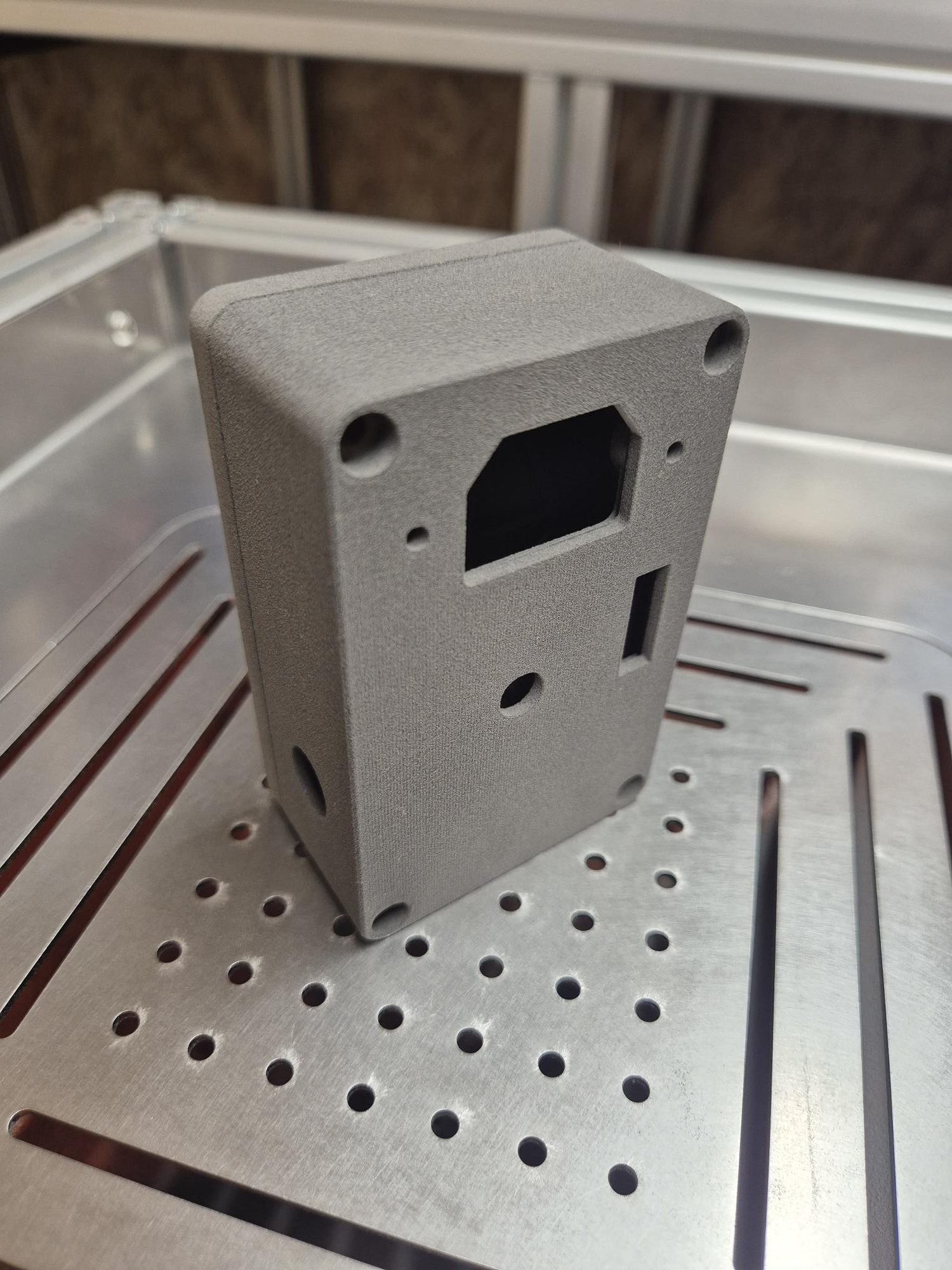
See real Inova prints with the process information engineers need to evaluate whether the output matches their applications.
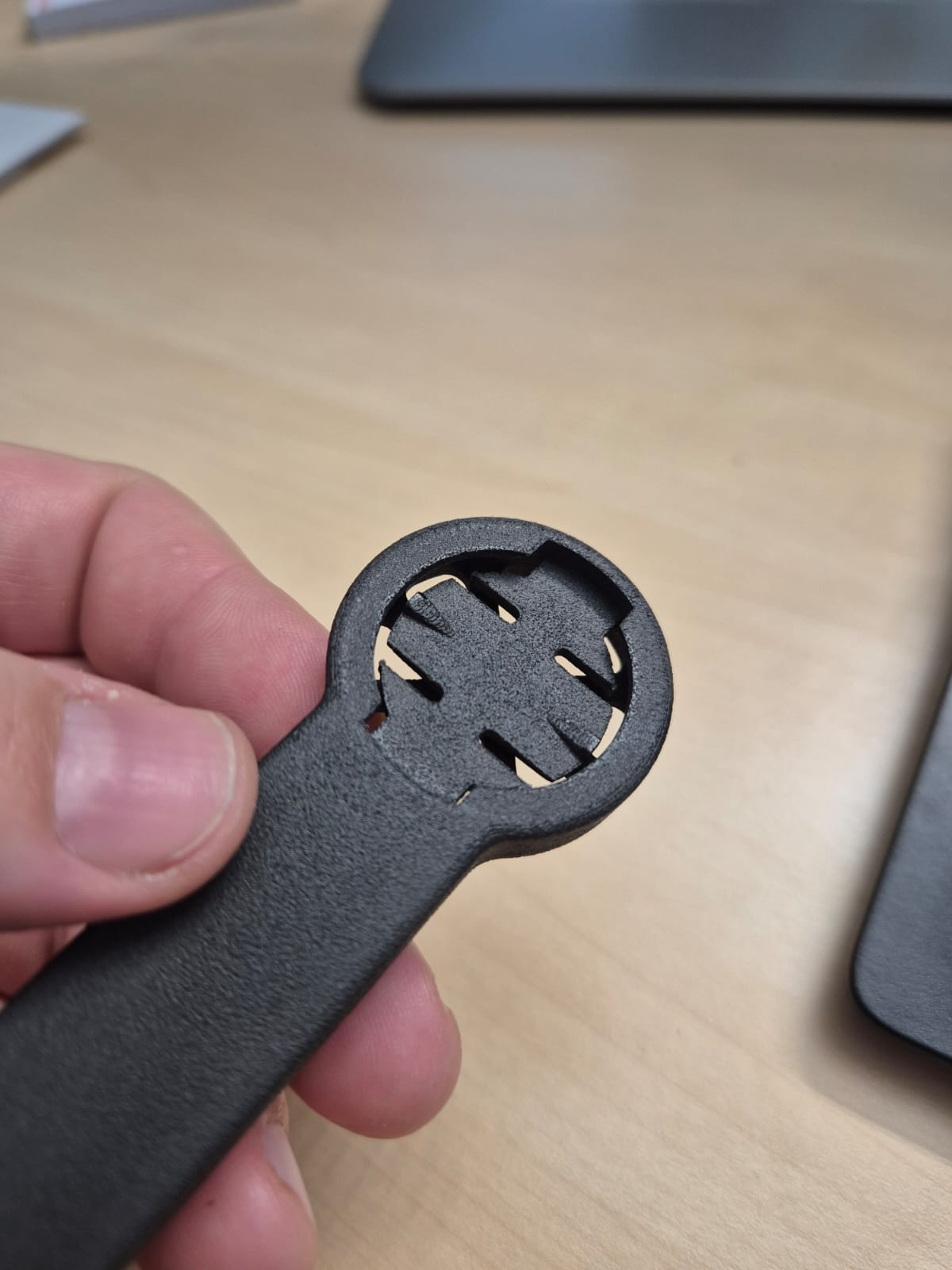
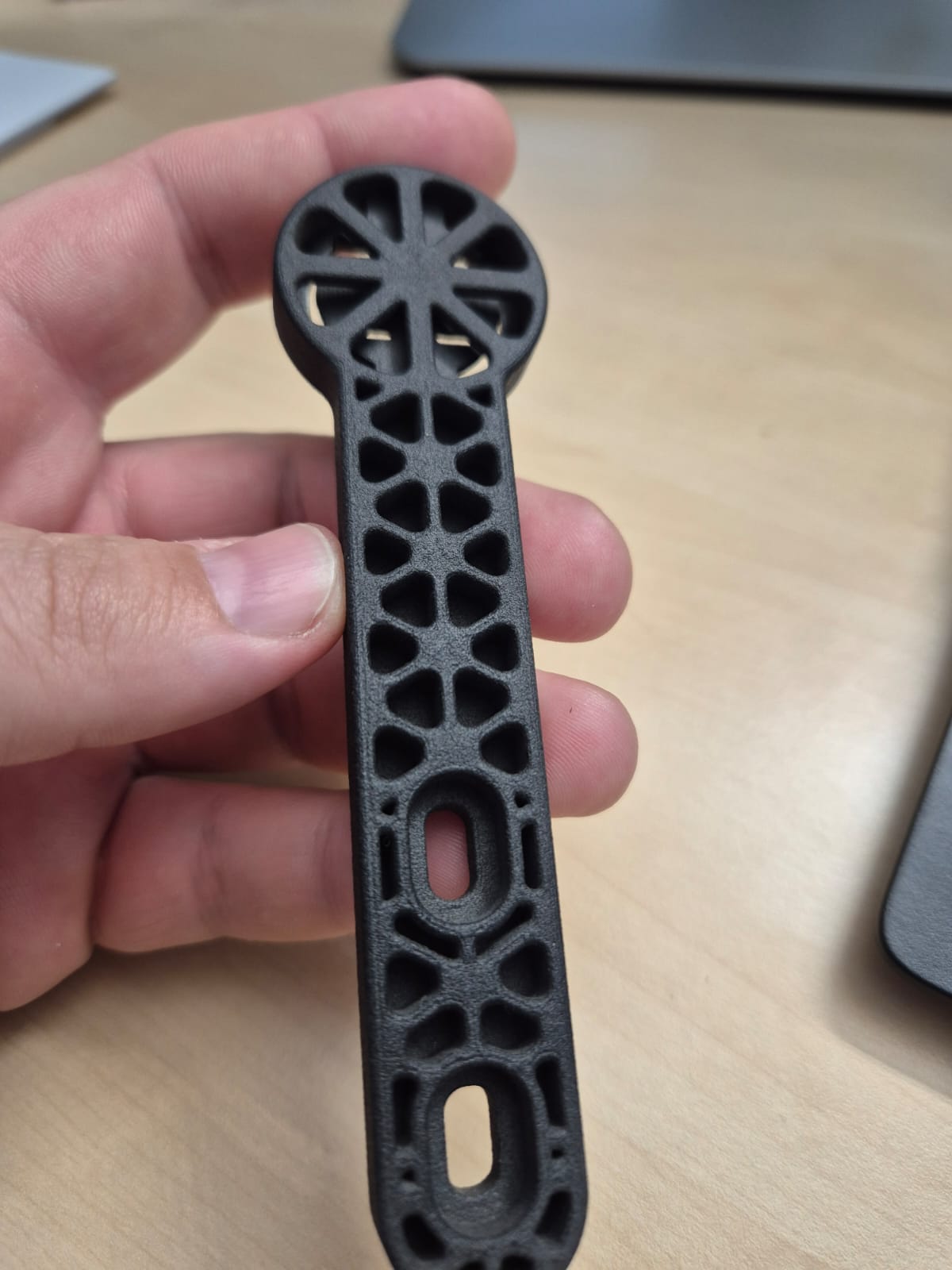
Flexible prints
Material: TPU 90A
Layer height: 130um
Volume: 59,54cm3
Weight: 65,2g
Material Costs: 6.85USD
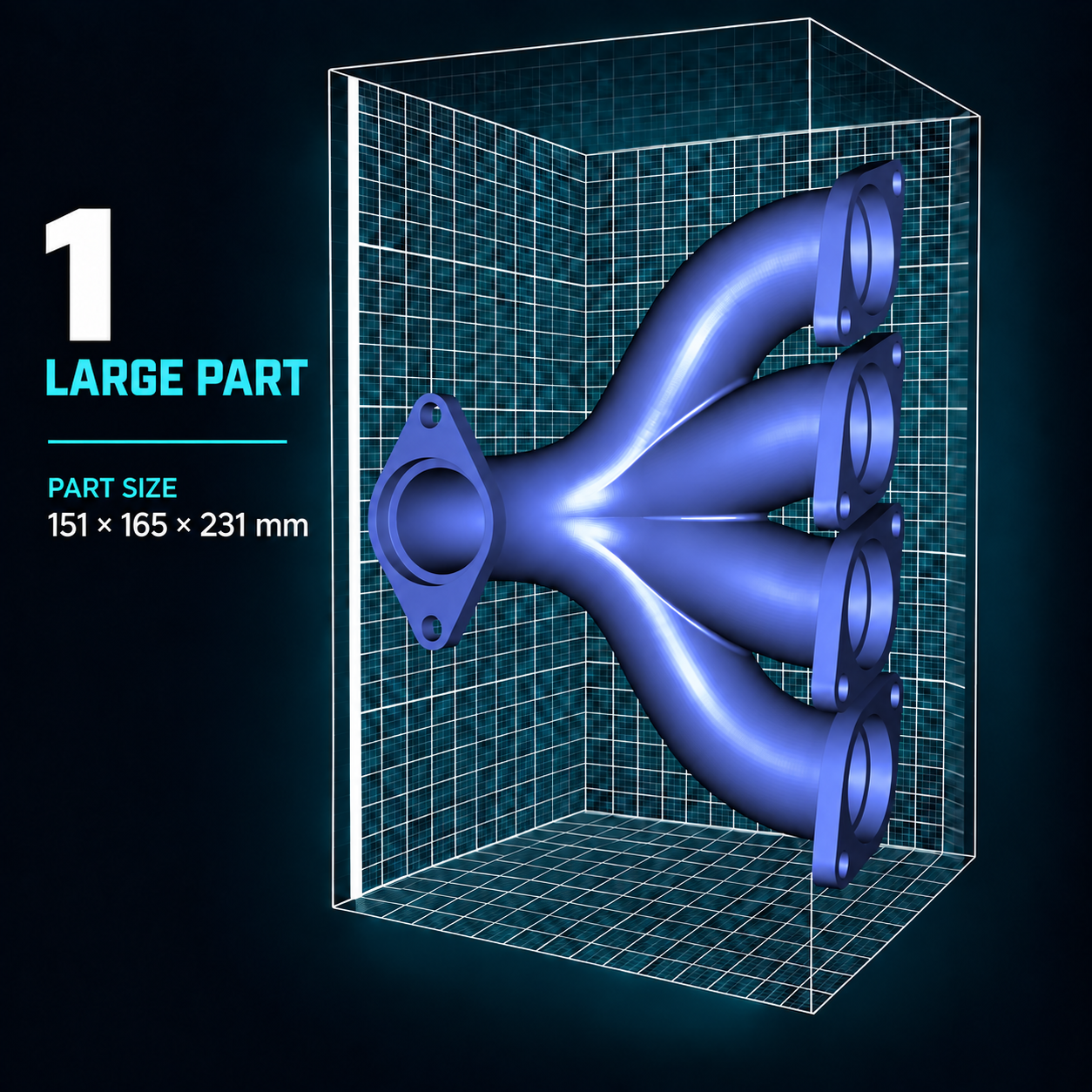
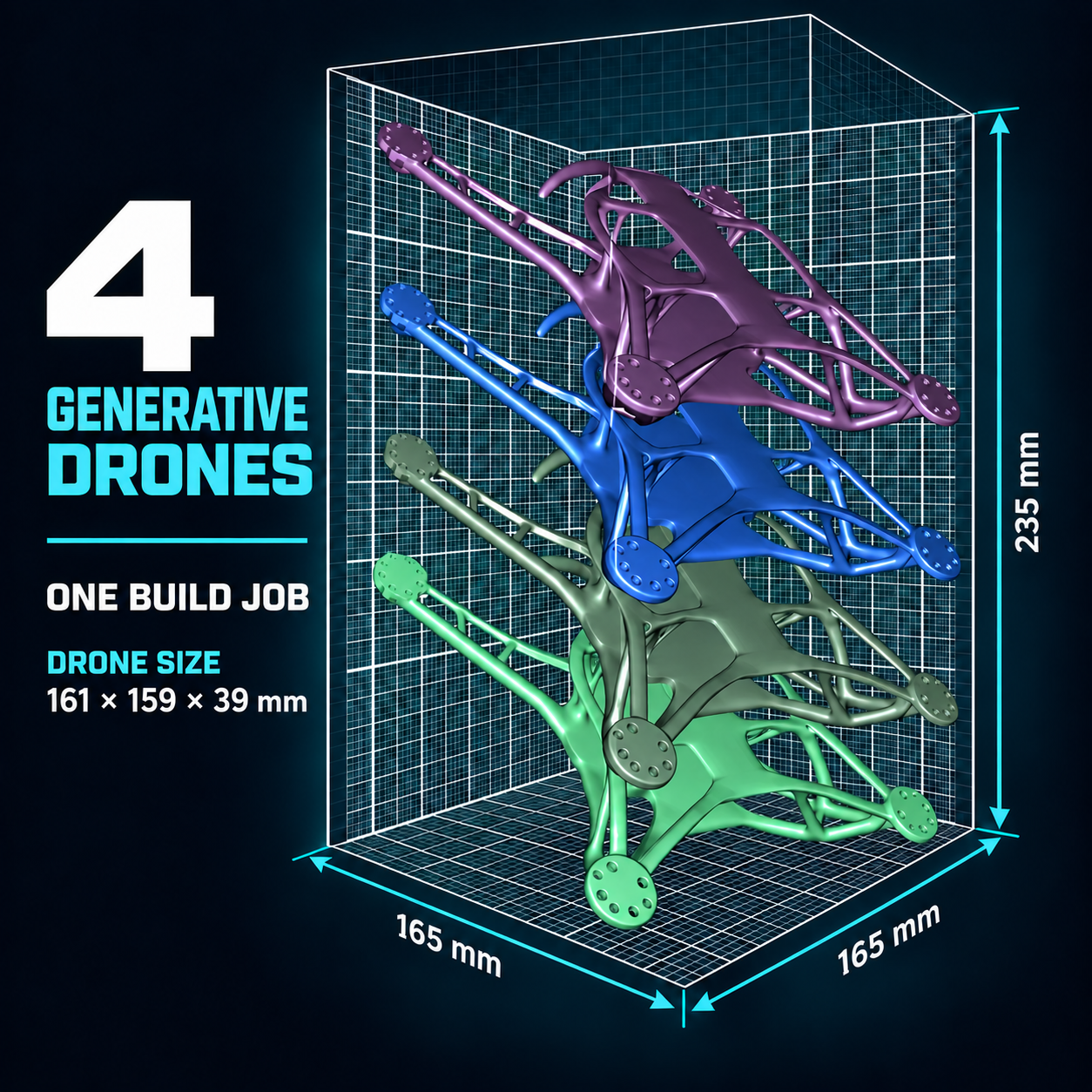
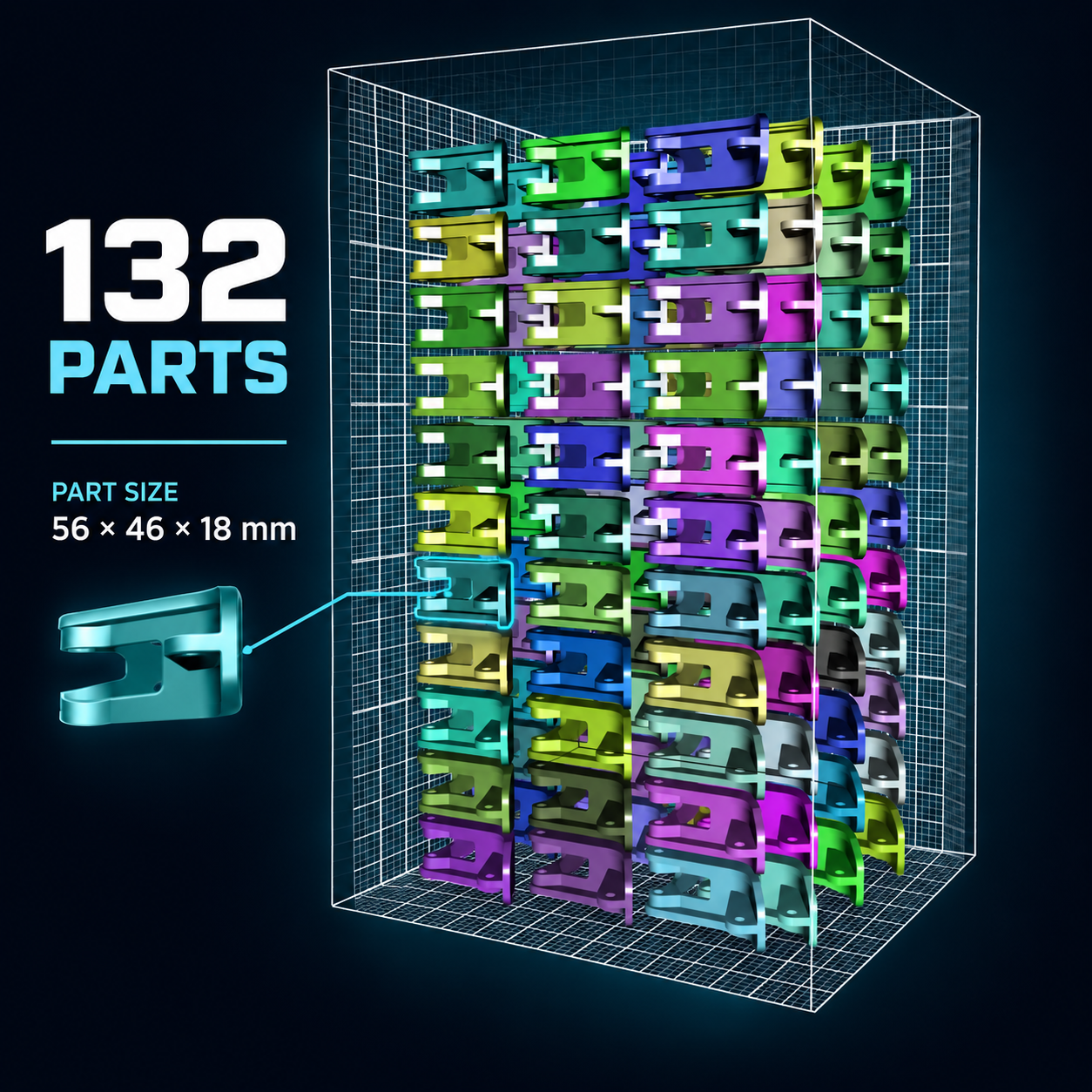
165 x 165 x 235MM: MAXIMAL BUILD VOLUME
What the Build Volume Means in Practice.
Chamber dimensions are useful, but real decisions depend on part size, orientation, nesting and the usable volume for a given material and process setup.
See examples below.
MATERIAL FLEXIBILITY
Proven Materials.
Freedom to Experiment.
Inova MK2 delivers reliable performance with proven SLS polymers, while giving you the freedom to test and develop new materials on an open platform.
WORKFLOW / OPERABILITY
From Print File to the Next Build.
See how Inova MK2 and the Inova EPP work together across the complete SLS workflow – from preparing the job and controlling the build to recovering powder, cleaning the system, and getting ready to print again.
ONE CONNCETED PRODUCTION CYCLE
7 STEPS ● 2 SYSTEMS
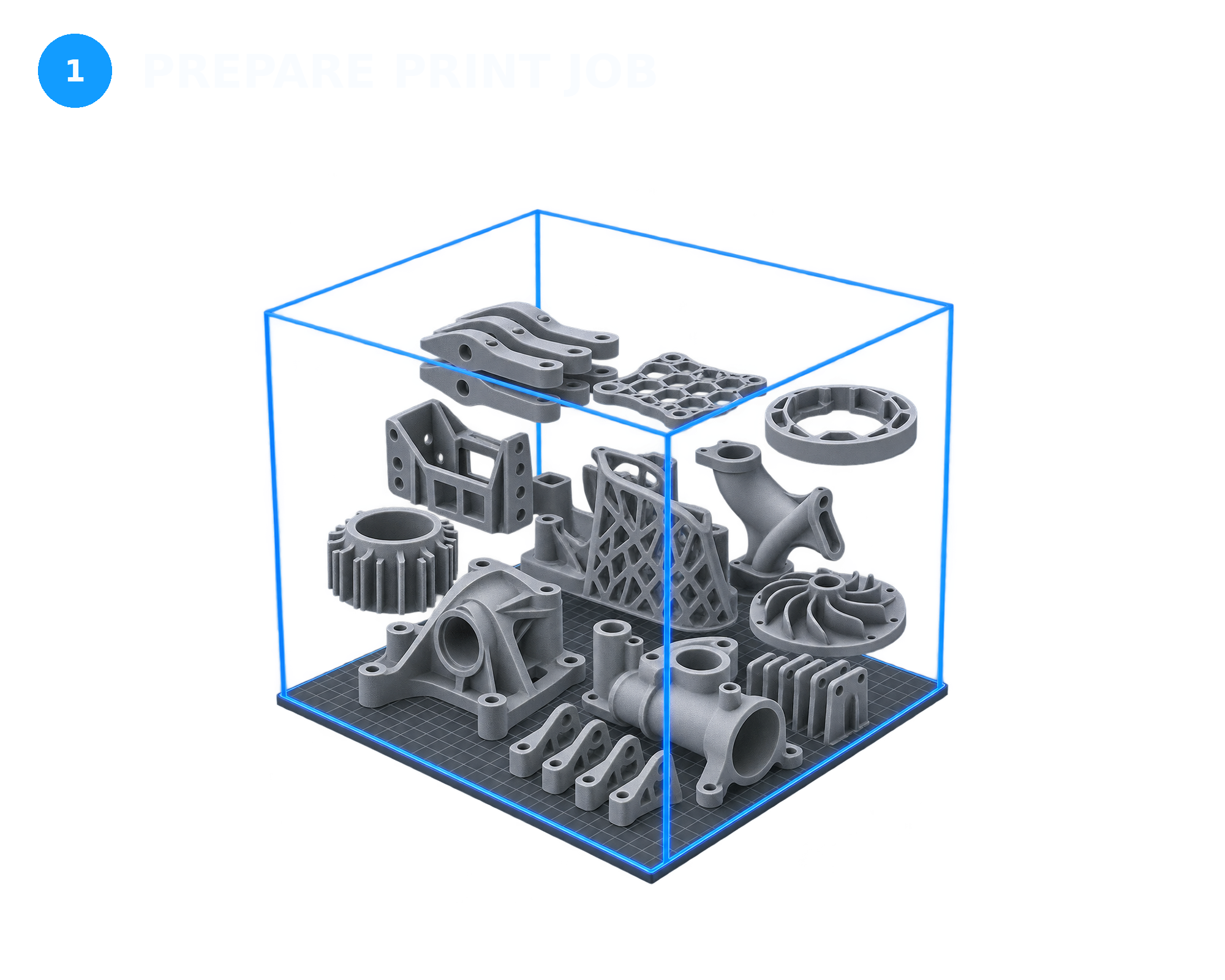
Turn your 3D models into an efficient SLS build.
Use SLS4All Compact SW to import and orient your parts, create the nesting, select the appropriate material profile, and set the build parameters. Once the job is ready, review the setup before printing.
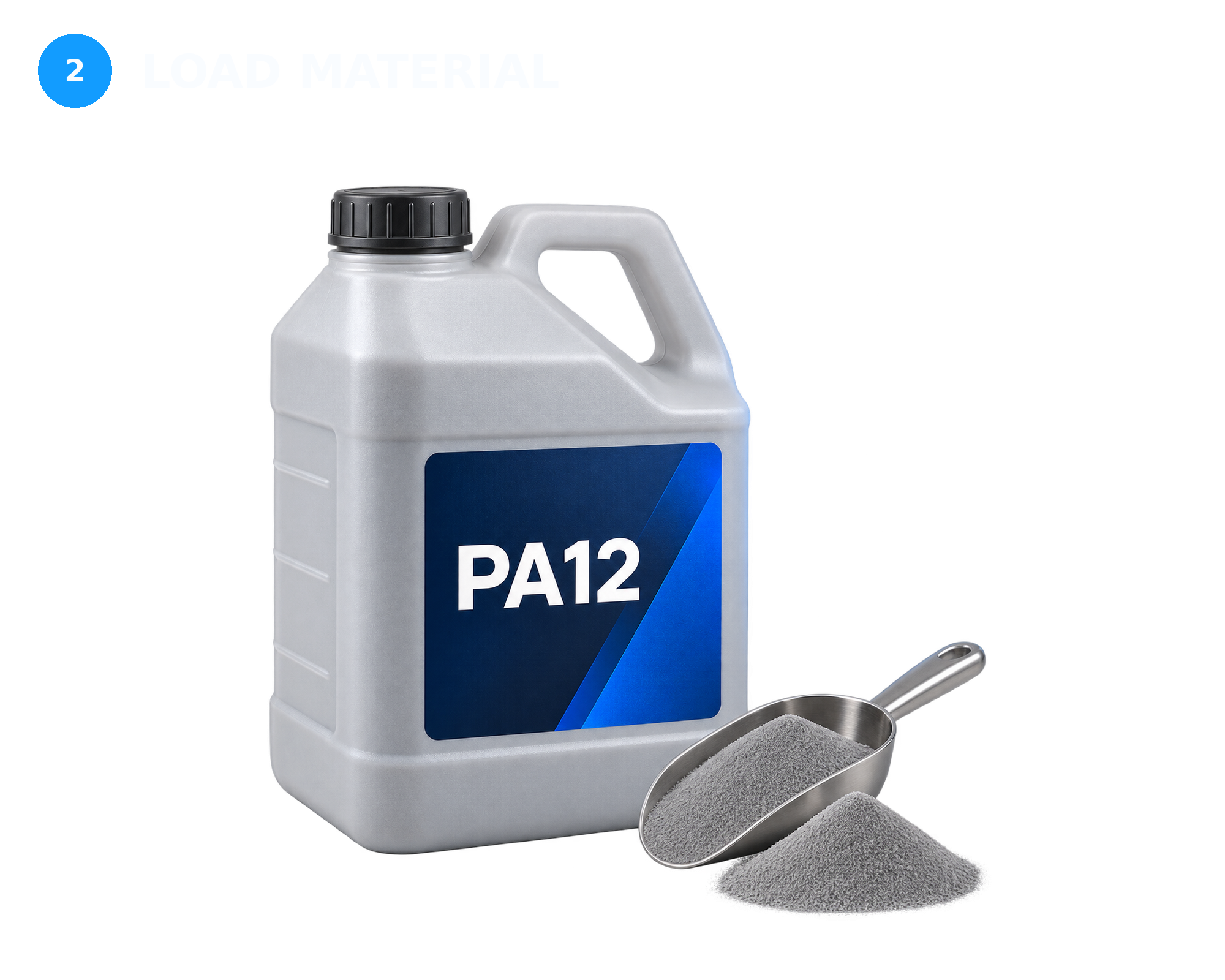
Prepare the build chamber with the required powder.
Follow the print wizard, load the selected material and confirm that the printer is ready for the job. The open material approach lets you work with proven SLS polymers while retaining control over your processing parameters.
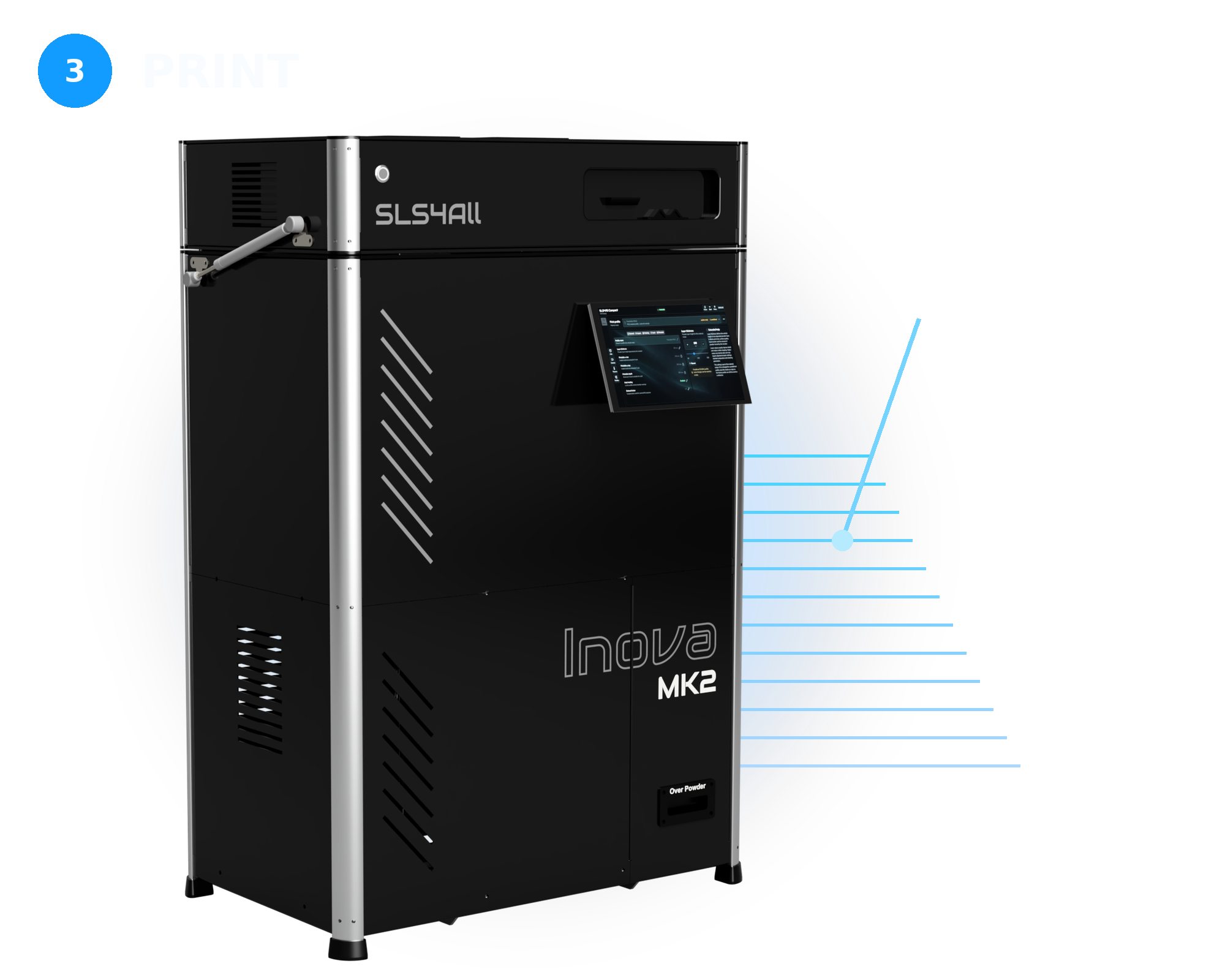
Let Inova MK2 control the build layer by layer.
Printer manages powder deposition, heating, and laser exposure according to the selected process profile. User interface provides access to the job status and throughout the process.
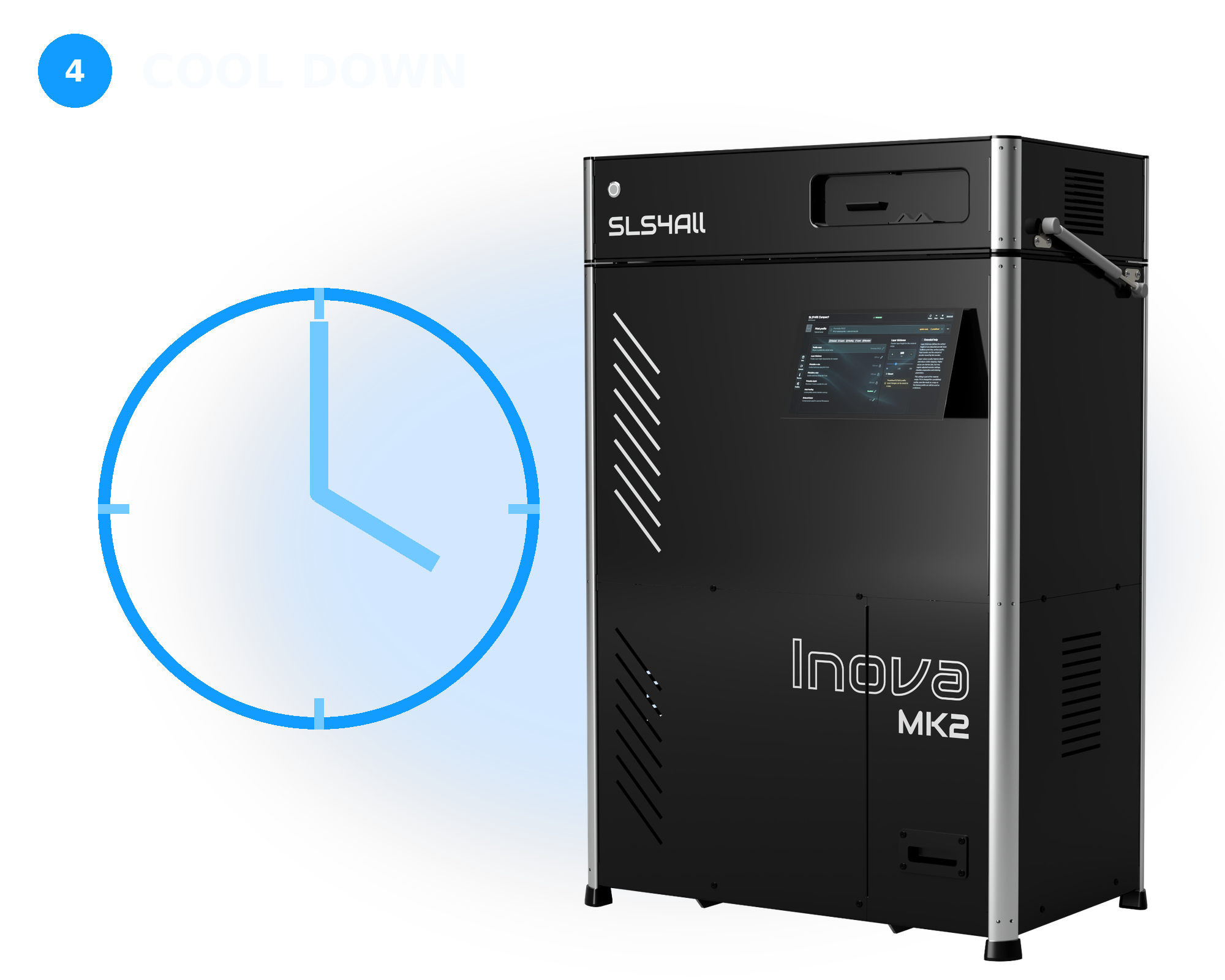
Allow the build to cool under controlled conditions.
After printing, the complete powder cake remains inside the build chamber while it cools. A suitable cooling period helps protect part geometry, dimensional stability, and final mechanical properties.
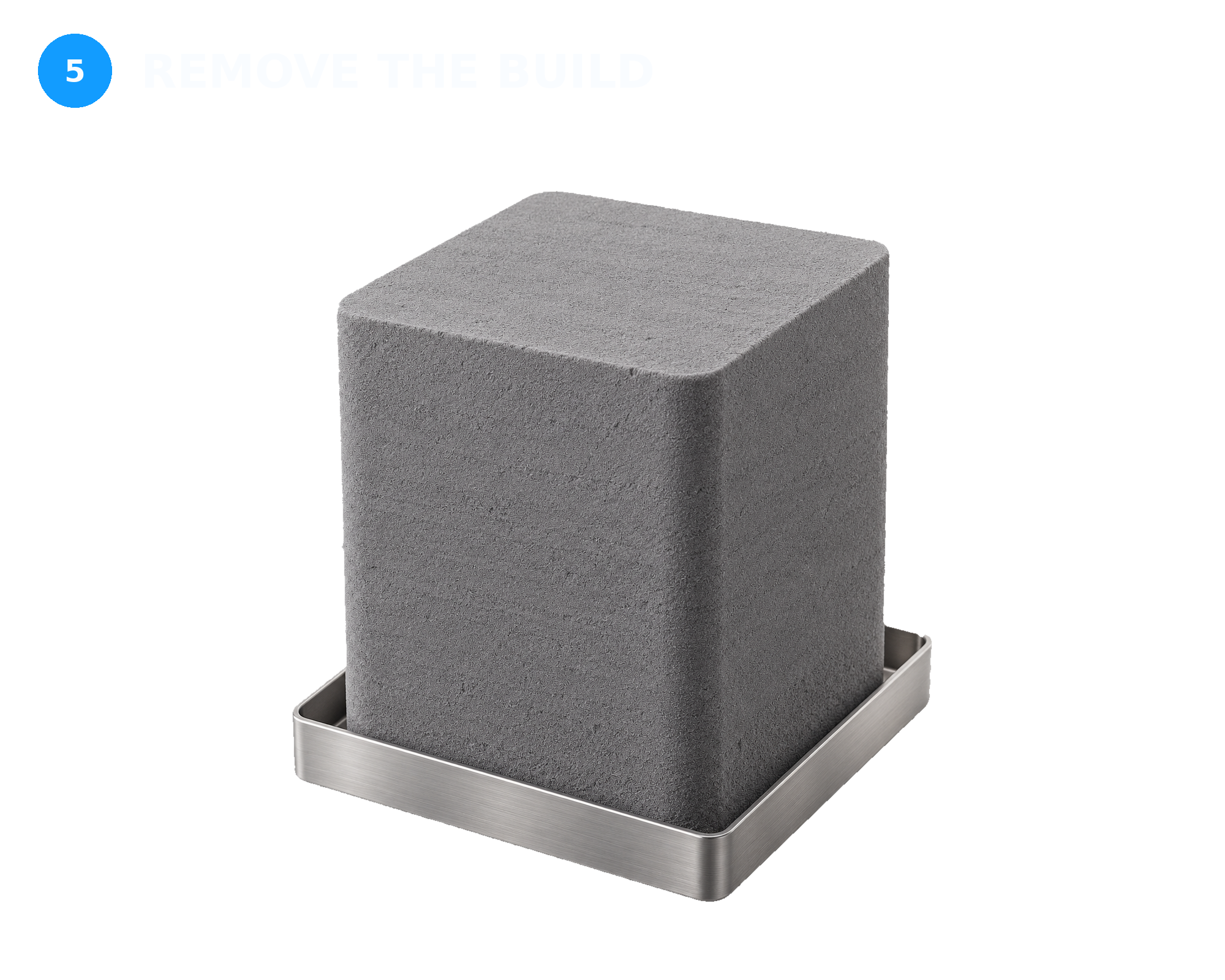
Transfer the cooled powder cake to post-processing.
Once the build has reached a suitable handling temperature, remove it from the printer and transfer it to the EPP workspace. The parts remain supported and protected by the surrounding powder until unpacking begins.
Separate finished parts and recover material for reuse.
Use the Inova EPP to unpack the build, clean residual powder from the printed parts, and collect the surrounding material. The recovered powder is then sifted to remove agglomerates and contamination before reuse.
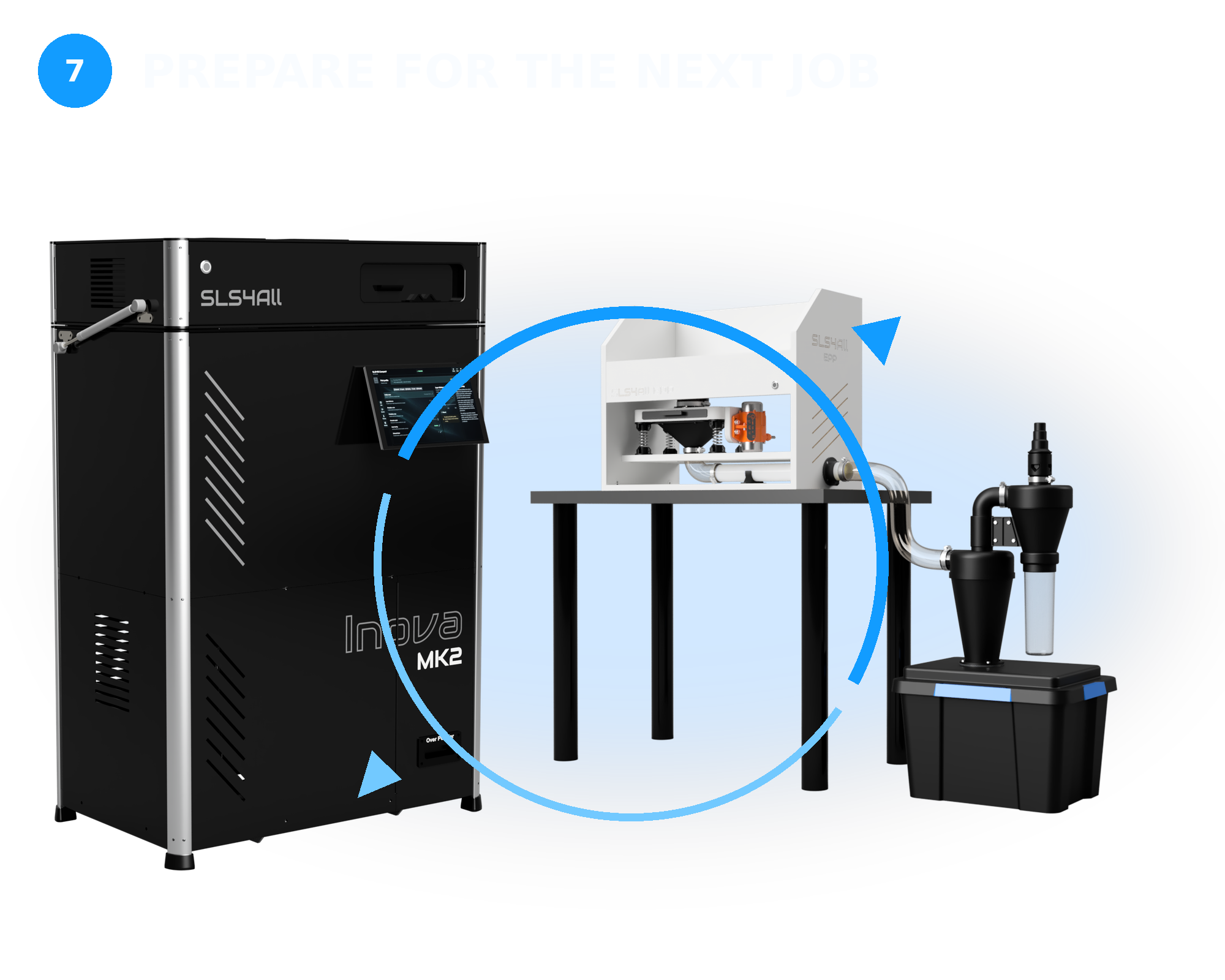
Close the workflow and return the system to a ready state.
Mix the recovered powder with the required proportion of fresh material. Use the EPP workspace to collect powder while cleaning the printer, build chamber, and relevant working areas.
SOFTWARE / CONTROL
SLS4All Compact 2.0
Software That Connects the Entire SLS Workflow.
Prepare builds, manage print parameters, and control one or multiple Inova printers through an integrated software and firmware platform. Every stage stays connected – from importing the first model to monitoring the running job.
Job Preparation
Import models, arrange parts, and define build parameters in one streamlined workspace.
Nesting & Slicing
Use advanced packing, supportless SLS preparation, and integrated slicing to make efficient use of the build volume.
Printer Management
Send prepared jobs directly to the printer, configure production settings, and manage one or multiple Inova systems.
Monitoring & Alerts
Follow live printer status, review job history, and receive notifications when a build requires attention.
One environment for preparation, production and control.
SUPPORTED FILES
*.STL
*.OBJ
*.3MF
CONNECTIVITY
Wi-Fi
LAN
USB
SAFETY / SITE READINESS
Designed for Safe, Predictable Operation.
Inova MK2 combines continuous temperature monitoring, independent hardware protection and controlled access to critical functions. Integrated process visibility helps operators supervise every build while multiple layers of protection keep essential systems under control.
Thermal Protection
Multiple temperature zones are continuously monitored throughout the printing process. Independent limits and automatic shutdown functions respond to heater, sensor or temperature-control faults.
Laser Safety
Hardware and software safeguards help prevent unintended laser activation. Access to the processing area is controlled to protect operators during normal use, preparation and servicing.
Independent Watchdog
A dedicated hardware-level protection system monitors critical printer functions independently of the main control software and can initiate a safe response if abnormal operation is detected.
Process Visibility
An integrated chamber camera and remote monitoring provide a clear view of every print job—helping operators follow process progress and identify unexpected conditions without opening the machine.
Power & Site Readiness
Plan installation with confidence. Key power, ventilation and workplace requirements are documented in advance, helping you prepare the site before delivery and avoid unnecessary delays during commissioning.
Average Printing Power
450W
Average power consumption during a standard production cycle.
Maximum Power Input
1300W
Maximum electrical load used for supply and circuit planning.
Energy / Reference Build
11kWh
Measured energy consumption for a reference full chamber print job.
Supply / Dedicated Circuit
16Amps
Recommended electrical supply and circuit protection requirements.
Aircondition & Ventilation
NDF
Depends on the processed material, local regulations and workplace conditions.
OWNERSHIP / OPERABILITY
Keep Inova Ready, Build After Build.
A clear build-to-build routine and system-guided maintenance make day-to-day care straightforward and future service easier to plan.
Inova MK2 is designed for straightforward, repeatable operation. Regular cleaning and material handling follow a clear routine, while operating-hour data helps your team understand when key components may require attention.
Getting Started
Initial setup and operator onboarding cover the essential checks, calibration and operating procedures. Once completed, these steps establish a reliable baseline for everyday production.
Between Builds
After each completed build, remove the cooled build, recover reusable powder, inspect the relevant areas and prepare the chamber for the next job. Keeping this sequence consistent helps the printer remain ready for production.
Routine Cleaning
Residual powder should be removed regularly from the build chamber and other relevant areas. A clean system supports dependable operation and consistent part quality.
Powder Management
Store, handle and refresh powder according to the selected material and process profile. Tracking material batches and refresh ratios helps maintain predictable powder properties across repeated builds.
Planned Maintenance
Inova automatically records the operating hours of key components. Based on these data, the system estimates their remaining service life or indicates when an inspection may be required, giving operators a clearer basis for planning maintenance.
Consumables & Support
Clear documentation and direct technical support help operators perform routine care and understand upcoming service needs. Keeping commonly used consumables and selected service parts available can also shorten routine interventions.
Ready to Bring SLS In-House?
Select your configuration, see what’s included, and choose the right way to bring professional SLS production in-house.
Maintenance Based on Actual Use.
Inova records the exact operating hours of key components and uses these data to estimate their remaining service life or indicate when a check may be required. This gives your team a practical, data-based view of upcoming maintenance needs without relying on guesswork.
Every Build
Basic visual checks, powder handling and printer preparation for the next production cycle.
Tracked Automatically
The operating hours of key components are recorded automatically, without the need for separate manual logs.
Service Guidance
System estimates remaining service life or indicates when a key component should be inspected.
Plan Ahead with Better Information.
Clear operating-hour data helps your team anticipate maintenance, prepare the necessary parts and schedule inspections or replacement before routine wear causes an unplanned interruption.
ARCHITECTURE / SERVICEABILITY
Designed to Be Understood, Maintained and Kept Running.
Inova MK2 is built around a clear and serviceable architecture. Its key process systems are logically organized, accessible and documented – giving your team greater control over routine maintenance, troubleshooting and the long-term operation of the machine.
CONTROLLED AS ONE SYSTEM
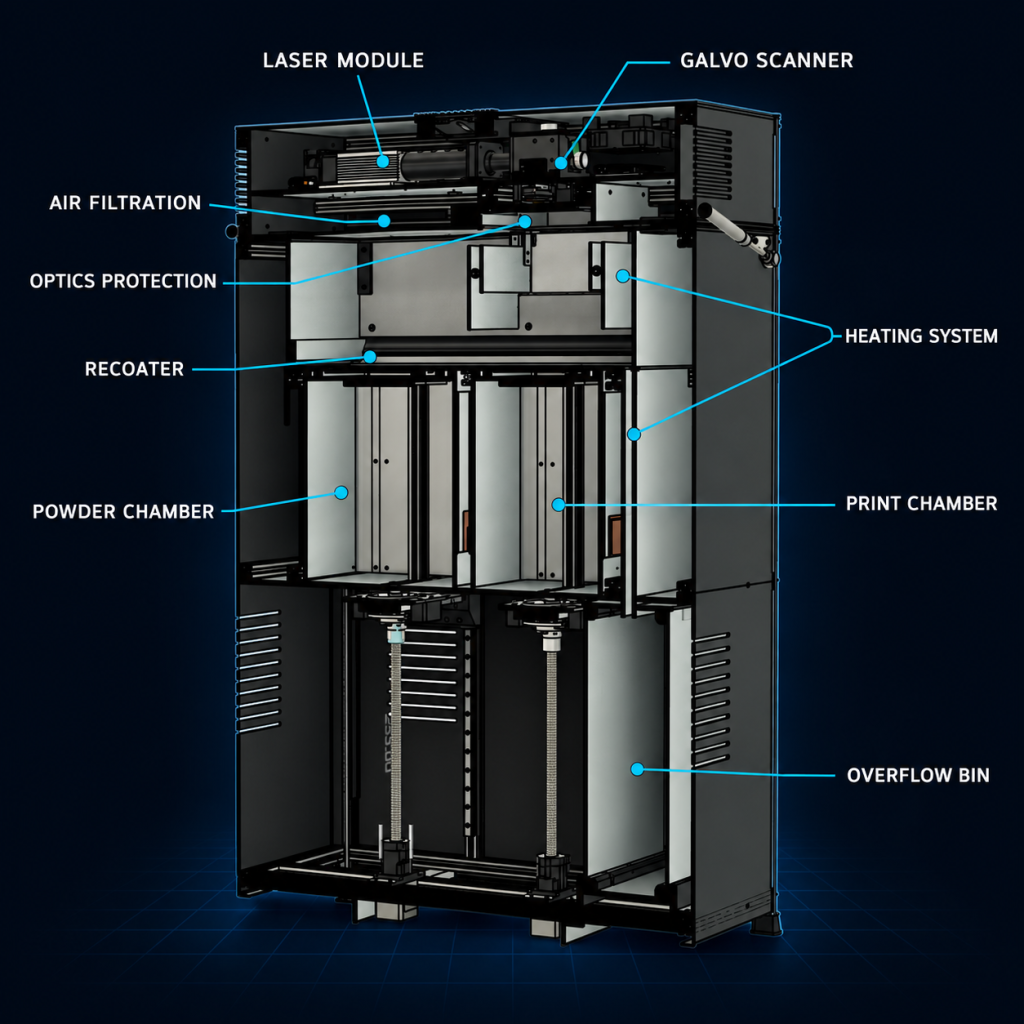
The laser, scanning, heating, recoating and powder-delivery systems work together as one coordinated process. Continuous control of key operating conditions supports consistent powder layers, stable thermal conditions and repeatable print results.
ACCESSIBLE COMPONENTS
Critical components are arranged with inspection and servicing in mind. Clearly defined systems and practical access points make routine maintenance easier and help reduce the time required to diagnose or replace individual parts.
COMPLETE DOCUMENTATION
Operating procedures, maintenance instructions and service guidance are included. Your team has a clear reference for regular inspections, troubleshooting and component replacement throughout the printer’s lifetime.
EXPERT TECHNICAL SUPPORT
When assistance is needed, you communicate with engineers who understand the platform in detail. Machine diagnostics, service documentation and secure remote assistance help identify issues and restore operation efficiently.
What This Means in Practice?
LESS TIME SPENT DIAGNOSING
Clearly organized systems and machine diagnostics help narrow down the source of a problem before service work begins.
REPLACE ONLY WHAT IS NEEDED
Individual assemblies can be serviced or replaced without automatically changing larger, still-functional parts of the machine.
MAINTENANCE IN YOUR HANDS
Clear procedures and practical access allow operators to handle all routine inspections and maintenance tasks internally.
SUPPORT WITHOUT LOSING CONTROL
When expert assistance is required remote access is permission-based, and recommended service actions are clearly explained.
BUILT FOR A LONG WORKING LIFE
Replaceable components, available spare parts and documented service procedures help keep the printer productive well beyond its initial installation.
An open platform does not automatically mean unrestricted access to every system. It means greater transparency, serviceability and control over how you operate and maintain your equipment.
TECHNICAL SPECIFICATIONS
Numbers Behind Inova MK2.
Key process capabilities, system requirements and controls – structured for fast technical evaluation.
Build Volume
6.4 l
Nylon PA12
Common Layer
100µm
Nylon PA12, PA11
Laser Source
10W / 450nm
Blue diode laser
Print Speed
12mm / hour
At 20% packing density
Average Power
450W
Average for full chamber job.
Print Performance
Build Chamber
177 x 177 x 250 mm – 7.8 l
Effective Volume – PA12
165 x 165 x 235 mm – 6.4 l
Layer Thickness
100 µm PA12 / PA11 – 130 µm TPU
Laser Spot Size
Approx. 350 µm
XY / Z Motion
Galvo / stepper + ball screws
Pre-heating – 230 V
45 min.
Pre-heating – 110 V
70 min.
Average Scan Speed
2,800mm/s
Print Speed – Z Axis
Approx. 12 mm/h*
Cooling Time
30-50% of print time
Materials & Control
Print Profiles
PA12, PA11, TPU
Material Development
Open for experimentation
Maximum Melting Point
Up to 200 °C
Powder Type
Grey polymer powders only
Metal Powders
Not supported
Control Platform
SLS4All Compact 2.0
Job Preparation
Nesting + Slicing
Local Interface
10.1-inch touchscreen
Remote Control
Desktop app or browser
Connectivity and Updates
Wi-Fi – LAN – USB / one-click updates
Installation & Safety
Dimensions – W x D x H
665 x 455 x 1,032 mm
Printer Weight
Approx. 78 kg
Input Voltage
110-120 V or 220-230 V
Maximum / Average Power
1,400 W / 450 W
Dedicated Circuit
16A
Temperature Control
Software monitored
Failure Response
Automatic firmware shutdown
Independent Protection
Hardware watchdog
Process Visibility
5 MP on-board camera
Overheating Protection
Software + hardware layers
BUILD THE BUSINESS CASE
See When Bringing SLS In-House Starts to Pay Off.
Compare repeated outsourcing with the real operating assumptions behind Inova MK2. Adjust the inputs to estimate ownership cost, indicative break-even and the supplier waiting time internal production could remove.
Total Cost of Ownership (analysis period)iSelected system investment plus all estimated recurring in-house costs over the chosen analysis period. The smaller comparison value shows what outsourcing the same monthly part volume would cost over that period.
Own Inova MK2 · Outsource —
Break-Even PointiEstimated number of months until cumulative in-house cost equals cumulative outsourcing cost. It uses system price and the monthly difference between outsourcing and recurring in-house costs. If recurring in-house cost is not lower, no payback is shown.
Based on selected assumptions
Outsourcing Waiting Time AvoidediCumulative monthly reduction in elapsed waiting time across all jobs: outsourced lead time minus in-house build time, multiplied by jobs per month. Example: 7 days outsourced, 24 hours in-house and 8 jobs equals 1,152 hours. Overlapping jobs mean this is not employee working time or a calendar-month extension.
cumulative waiting days / month across all jobs
Cumulative Cost Comparison (indicative)iThe solid blue line shows the selected system price plus cumulative recurring in-house costs. The dashed line shows cumulative outsourcing cost. Their intersection is the indicative break-even point.
Estimate only. Results depend on utilization, packing density, refresh ratio, workflow and actual operating costs. Taxes, shipping, optional accessories and auxiliary-equipment energy are excluded.
Read the Result
Turn the Estimate Into a Practical In-House Decision.
Taken together, these values show the scale of the investment, how quickly recurring outsourcing spend could offset it, and how much supplier lead time your team could remove from its workflow.
Potential annual cost savings
—iAnnual outsourcing cost minus estimated annual recurring in-house cost. The initial system investment is not deducted from this value, so it should be treated as an indicative cost difference rather than guaranteed savings.
Indicative Break-Even
—iEstimated time until cumulative in-house cost equals cumulative outsourcing cost under the assumptions currently entered in the calculator.
Waiting Time Avoided
—iCumulative monthly reduction in elapsed waiting time across all jobs. This is not employee working time and overlapping jobs may occur.
INOVA IN THE REAL WORLD
Used for Real Engineering Work – Around the World.
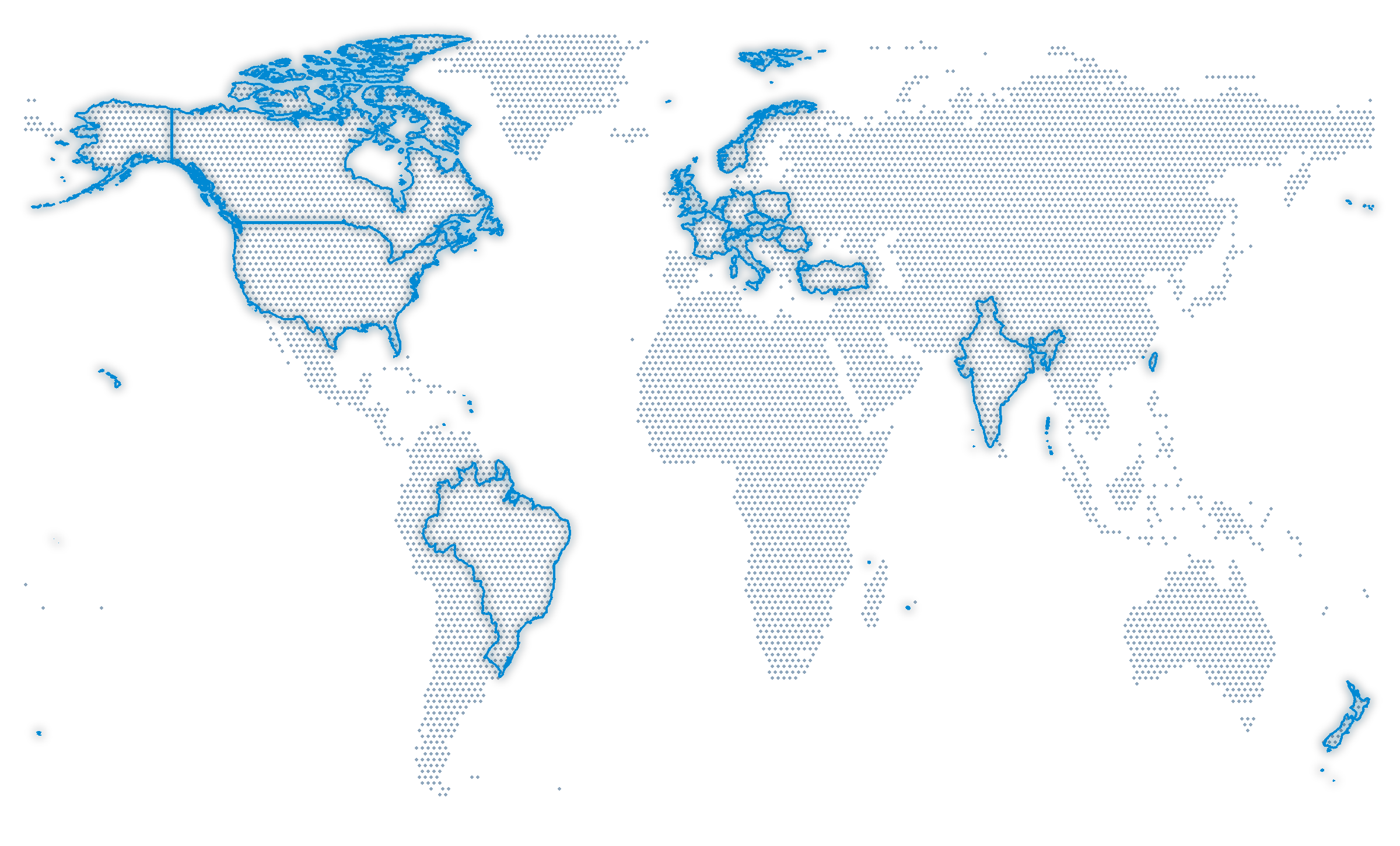
From functional prototypes and tooling to end-use components and R&D, Inova printers are used by engineering teams across industries and continents.
“The print quality is truly amazing. The selective laser sintering process can capture fine details such as 6-32 threads and the powder-based layers removing the need for supports.”

Peter P., United States
“The Inova Mk1 delivers on its promise of being easy to use while consistently producing high-quality parts.”

Swen M., Netherlands
“Tuning the parameters for our PA12 powder took about two or three jobs – since then, we’ve just been printing.”

Michal M., Czech Republic
Built for Real Work
Functional prototypes, tooling and end-use parts.
Used Internationally
Installed across 18+ countries worldwide.
Open by Design
Open materials, parameters and service access.
Direct Technical Support
Support from the team behind the system.
REAL PARTS PRINTED BY OUR CUSTOMERS
CONFIGURE YOUR INOVA
Choose the Setup That Fits Your Team.
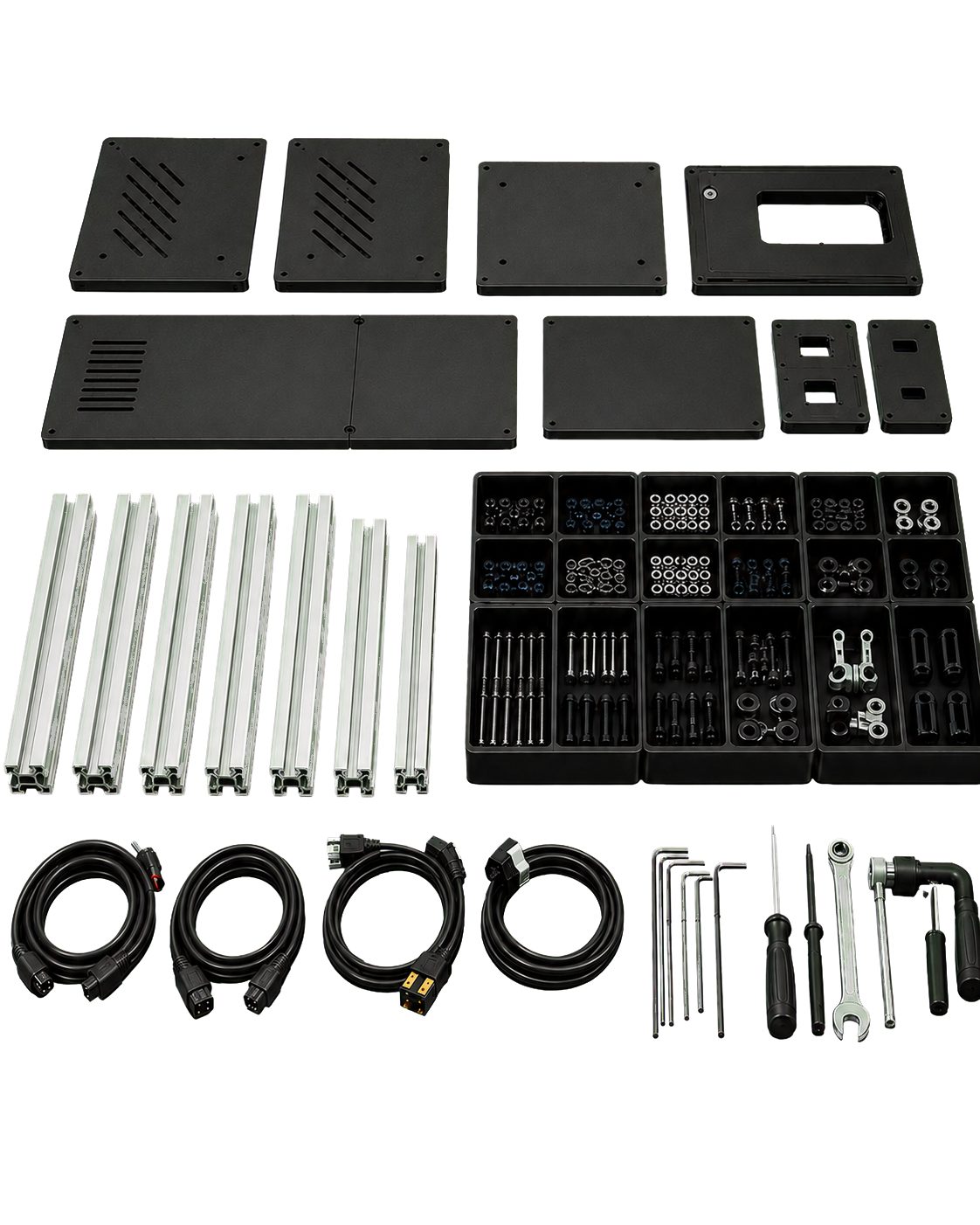
Start with the complete Inova MK2 parts kit. Build it yourself or add professional kit assembly.
Complete your workflow with the optional EPP Set.
Inova MK2 Full Kit
All parts and guidance to build your MK2.
BEST FOR
Teams that want to assemble their printer and know it inside out.
WHAT YOU RECEIVE
- Complete set of printer parts
- Mechanical, electronic and optical parts
- Heating and electrical components
- Interactive assembly instructions
- Operating documentation and support
YOU STILL NEED TO
- Assemble and connect the printer
- Configure and commission it
- Run your first test prints
Price €8,490 / $9,850
Assembly Service for Inova MK2
We assemble the kit. You complete setup.
BEST FOR
Teams that want to save time on the physical build of the printer.
WHAT YOU RECEIVE
- Physical assembly of kit components
- Build to official SLS4All documentation
- Basic mechanical alignment check
- Basic optical alignment check
- Operating documentation and support
YOU STILL NEED TO
- Prepare the installation space
- Finish configuration and setup
- Commission and test the system
Price + €2.990 / $3,490
Easy Post Process Set
Clean parts, clean the printer, sift powder.
BEST FOR
Teams that also want a practical setup for cleaning and recovering used powder.
WHAT YOU RECEIVE
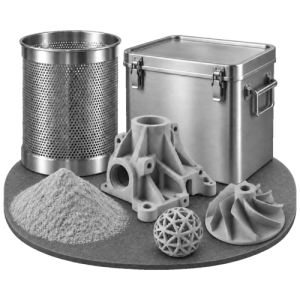
- EPP station supplied as a kit
- Two-stage cyclone separator
- Hermetic container for used powder
- Brushes and protective accessories
- Operating documentation and support
YOU STILL NEED TO
- Assemble the EPP station
- Provide a ~1200 W vacuum
- Connect and maintain the equipment
Price + €1,290 / $1,390
Build your Inova Setup
All parts and guidance to build your MK2.
BUYERS FAQ
What You Need to Know Before Choosing Inova.
Straight answers about materials, installation, workflow, maintenance and delivery – so you can decide whether Inova MK2 is the right fit for your team.
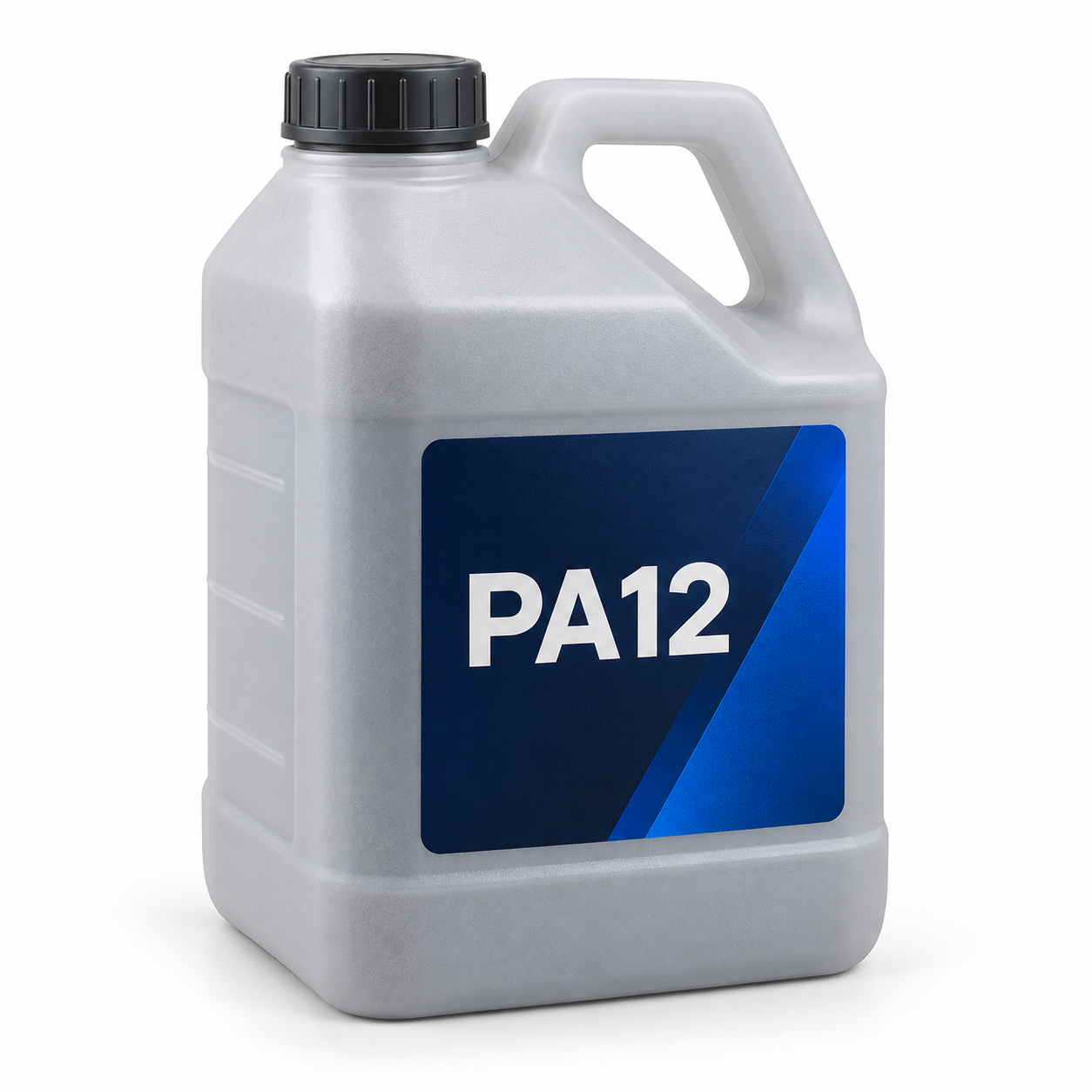
Inova MK2 is designed for polymer SLS powders, including PA12, PA11 and TPU. Its open-material approach lets you adjust processing parameters, create your own profiles and evaluate compatible third-party powders instead of being locked into a single material supplier.
The usable build volume is 165 × 165 × 235 mm, giving you enough space for one large component or a densely nested batch of smaller parts.
Because SLS requires no support structures, parts can be arranged throughout the available volume. The practical maximum size may vary slightly depending on part orientation and the clearance required around the build
Inova MK2 is designed to fit into a workshop, prototyping lab or engineering environment without dedicated industrial infrastructure. You need a stable working surface, suitable access around the machine, the correct mains supply and adequate room ventilation.
Export your model from CAD, upload it to SLS4All Compact SW and prepare the entire job in one integrated environment. The software handles model placement, nesting, slicing, material profiles and printer control.
After printing and cooling, remove the powder cake, recover the unused powder and clean the parts. No support removal or curing stage is required.
Regular operation mainly involves powder handling, cleaning powder-contact areas and checking components such as filters, seals and optics protection.
The software provides maintenance guidance and estimates when key components should be inspected or replaced. The modular construction also allows many service tasks and component replacements to be handled directly by the owner.
Still have a question?
The Full Kit contains the manufactured mechanical parts, electronics, optics, wiring, insulation, fasteners and other components required to assemble a complete Inova MK2 printer. Necessary assembly tools and installation materials are also included where specified.
Powder, post-processing equipment and optional services are quoted separately unless explicitly included in the selected package.
You can assemble Inova MK2 yourself using the labelled components and detailed interactive instructions, or choose an assembly service if you prefer a machine prepared by our team.
The commissioning process guides you through system checks, calibration and the first test prints. Previous SLS experience is helpful, but it is not required.
You receive detailed documentation covering assembly, operation, calibration and maintenance and together with software and firmware updates.
If you need help, you can contact the people who designed and built the system. Technical support is available during assembly, commissioning and everyday operation – not only until the printer is delivered.
Yes. You can order a sample set to examine the surface quality, detail and mechanical properties of parts printed on Inova.
For a more relevant evaluation, we can also print own geometry. This lets you assess the results using a component that reflects your actual application and requirements.
In-stock kits are normally prepared for dispatch within one to two weeks. For units currently in production, the expected dispatch window is confirmed on the product page or in your quotation before ordering.
Inova is shipped internationally in protective packaging. Shipping options, costs and any destination-specific requirements are avaible at checkout.
Still have a question?
Choose Your Inova Setup and Put SLS Into Your Workflow.